
Computers & laptops
Slow performance, startup trouble, crashes, updates, and other Windows PC or Mac issues.

Your home technology should work together without turning every small problem into a project. Canandaigua Computer Service helps with Windows PCs and Macs, Wi-Fi, printers, software, accounts, and connected devices throughout Canandaigua and nearby communities.
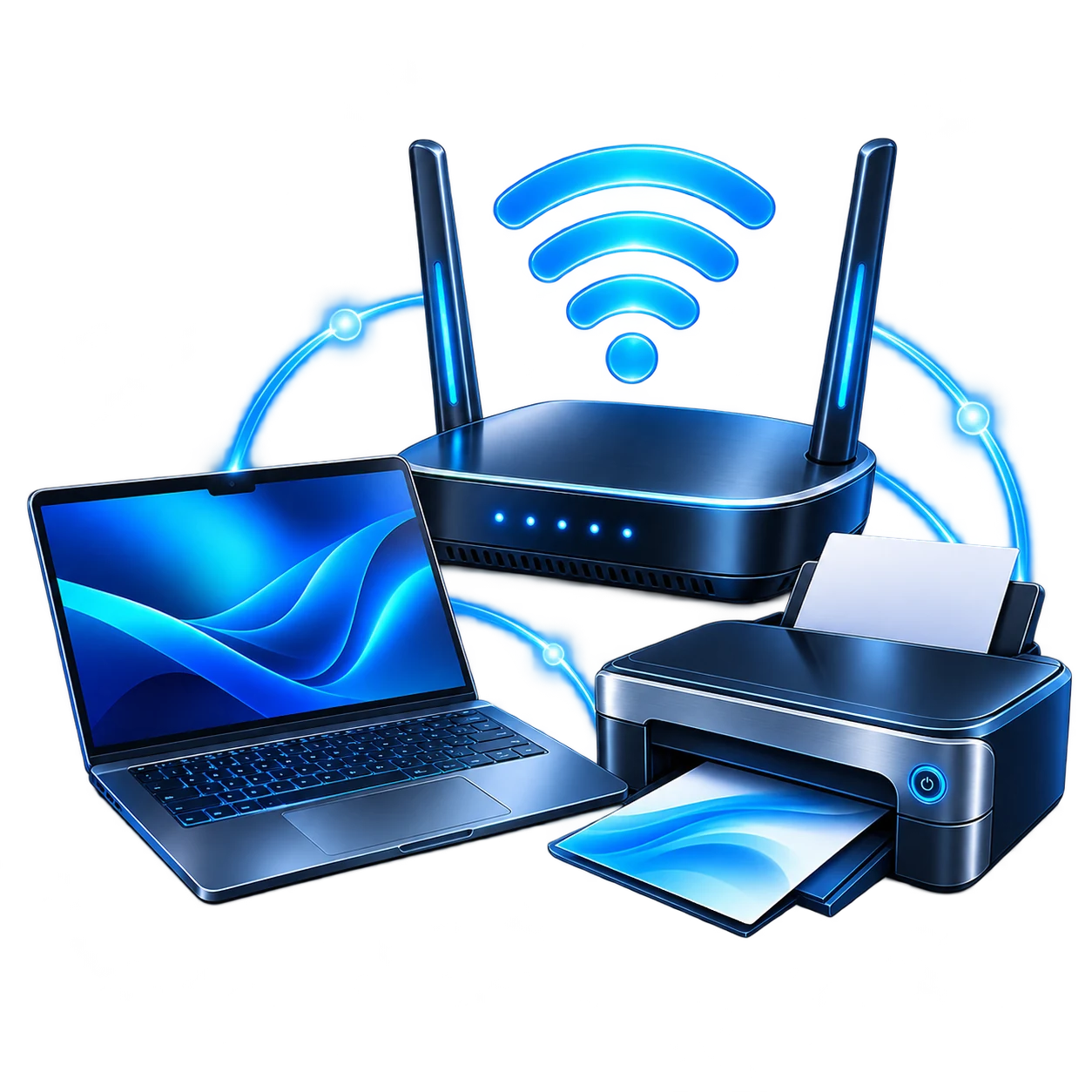
From computer issues to WiFi network setup, CCS can do it all.
Slow performance, startup trouble, crashes, updates, and other Windows PC or Mac issues.
Weak coverage, dropped connections, router trouble, or a device that will not connect.
Setup, connection problems, drivers, and printers that keep going offline.

Installing, updating, configuring, or troubleshooting supported programs.

Help configuring supported email, browsers, cloud services, and everyday accounts.
Compatible monitors, external drives, webcams, keyboards, mice, and related equipment.
CCS can help with setup for new computers, routers, printers and other devices.
Initial setup, updates, supported software, accounts, peripherals, and file transfer planning.
Learn moreConnect and configure compatible equipment for everyday use.
Learn moreSet up compatible network equipment and connect supported devices.
Learn moreConfigure suitable external storage, cloud services, and backup options.
Learn moreComputers, printers, Wi-Fi, and online accounts often work together. When something stops working, CCS can check the affected devices and connections, identify the issue, and explain the available solutions.
CCS checks how your devices connect and work together to help find the source of the problem.
Depending on your needs, CCS has a few service options.
Useful for Wi-Fi coverage, printers, connected equipment, and setups best checked where they are used.
Suitable for certain computer repairs, longer diagnostics, hardware work, and operating system problems.
Possible for compatible software, settings, accounts, and troubleshooting when the computer can connect securely.
Tell CCS what is happening, which devices are affected, and when it started.
We determine whether onsite, pickup and drop-off, or remote support fits the situation.
CCS explains the findings, the work performed or recommended, and anything to watch for afterward.
A short description is enough to start. These details can help:
Do not send passwords, recovery codes, or payment details by email.
No. Describe what is happening and which devices are affected. CCS can help determine an appropriate way to investigate.
Yes. CCS assists home users with supported Windows and macOS computers, subject to the equipment and issue involved.
Yes. CCS can check the compatible printer, the affected computer, and their connection or configuration.
Yes. Let CCS know what is affected so we can look for a shared cause as well as individual device problems.
It depends on the work. Wi-Fi and connected-device issues often make sense onsite, while some computer work may be better handled through scheduled pickup and drop-off.
For compatible software, settings, account, and troubleshooting needs, remote support may be an option when the computer can connect securely.
Yes. CCS can help with computer setup and migration and a practical backup approach.
Whether one computer is causing trouble or several devices are not cooperating, tell CCS what is happening. We serve homes in Canandaigua and surrounding Finger Lakes communities.