A brand-new computer
Get a Windows PC or Mac configured and ready for everyday use.
Get your new computer ready for home or business use. Canandaigua Computer Service helps set up Windows PCs and Macs, move accessible files from an old computer, configure supported accounts and software, and connect the devices you use every day.
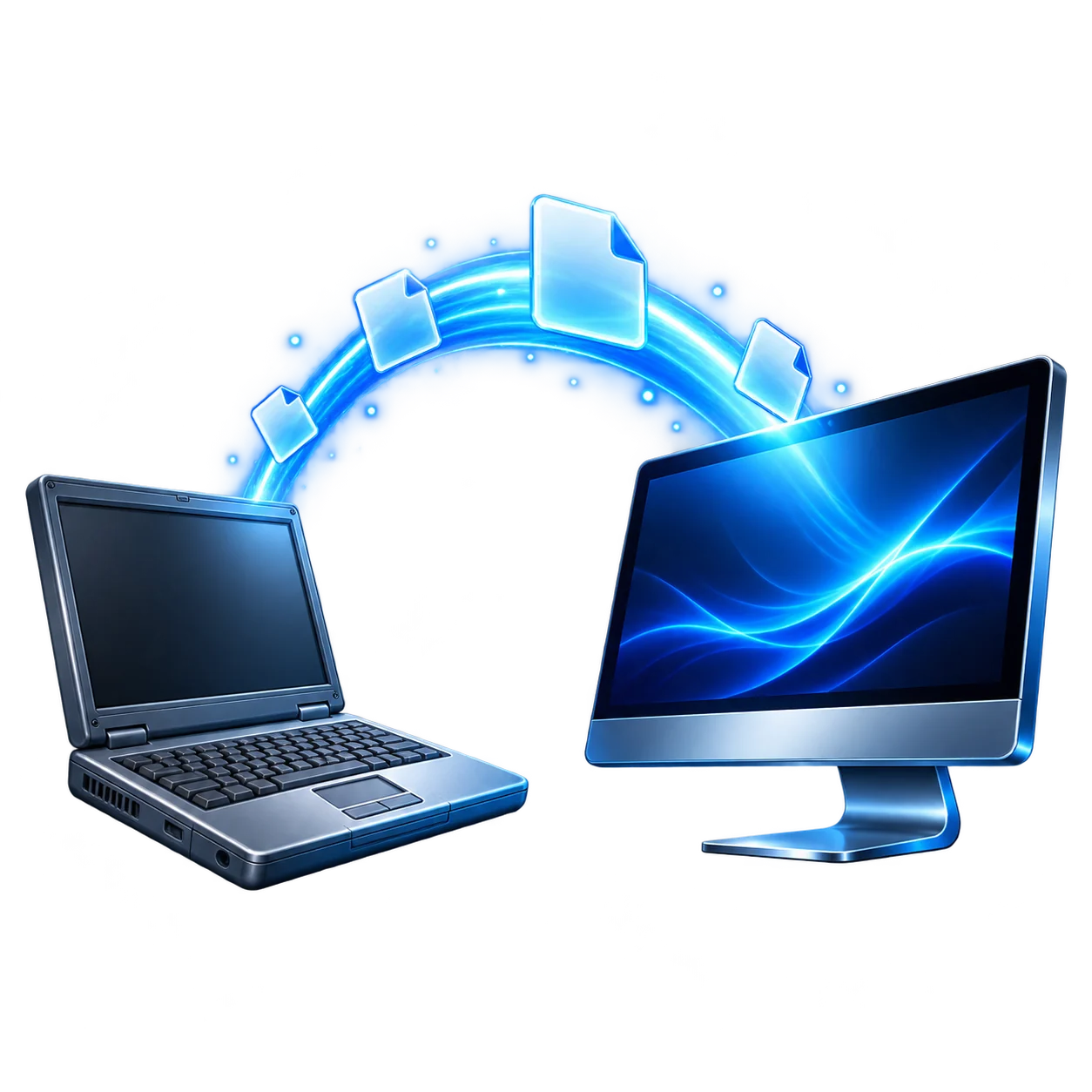
Get a Windows PC or Mac configured and ready for everyday use.
Set up the new system and move accessible files and supported services from the old one.
Configure another device for a household member or small business workstation.
Already started setting it up? CCS can help finish the job.
CCS can handle the essential setup and help make the system work with your accounts, software, and devices.
Complete Windows or macOS setup, user profiles, practical preferences, and accessibility settings where needed.
Install available system and application updates and review built-in protections and privacy settings.
Install and configure supported browsers, productivity tools, communication apps, and other software you own or subscribe to.
Set up supported email, cloud services, user accounts, and other services you use each day.
Connect compatible printers, scanners, displays, external drives, keyboards, mice, and other devices.
Discuss a suitable way to keep copies of important files once the new computer is in use.
Moving to a new computer does not have to mean leaving your personal files behind. CCS can review what is available on the old computer and transfer accessible files to the new one.
Accessible documents, photos, videos, music, and folders from the old computer.
Supported bookmarks and settings, transferred or synchronized where the browser and account allow.
Configure existing compatible services such as OneDrive, iCloud, Google Drive, or Dropbox.
Reinstall supported programs when installers, licenses, subscriptions, and account access are available.
Applications, licenses, passwords, and some settings may need separate setup. What can be moved also depends on the old computer and whether its data remains accessible.
CCS can help identify the files and services that matter before the move, show you where transferred files are located, and check the agreed-upon essentials before wrapping up.
These details help us understand the move. It is fine if you do not have every answer.
Yes. CCS can help with initial Windows or macOS setup, accounts, updates, supported software, and compatible devices.
Yes. Tell us what is working and what still needs attention, and CCS can help complete the setup.
Supported files can often be moved between compatible systems. Available methods depend on the devices, file types, and condition of the old computer.
No. Some software needs a fresh installation, a valid license or subscription, and account access. Some settings may need to be configured again.
CCS can assess whether its storage and files remain accessible. See our data recovery and transfer service for more detail; recovery cannot be guaranteed.
CCS can help configure compatible printers and supported email accounts on the new computer.
Yes. CCS can discuss local, external, and cloud options and help configure a practical backup approach.
Whether it is still in the box or partly set up, tell CCS what you need to bring over and what you want working on day one. Serving Canandaigua and nearby Finger Lakes communities.